


Official: JANUARY '09 DESKTOP THREAD!


Thread Starter
Original Hayden Fanatic
Platinum Member
Joined: 05-06-06
Posts: 33,169
Likes: 1
From: Dayton, O HI O
Official: JANUARY '09 DESKTOP THREAD!
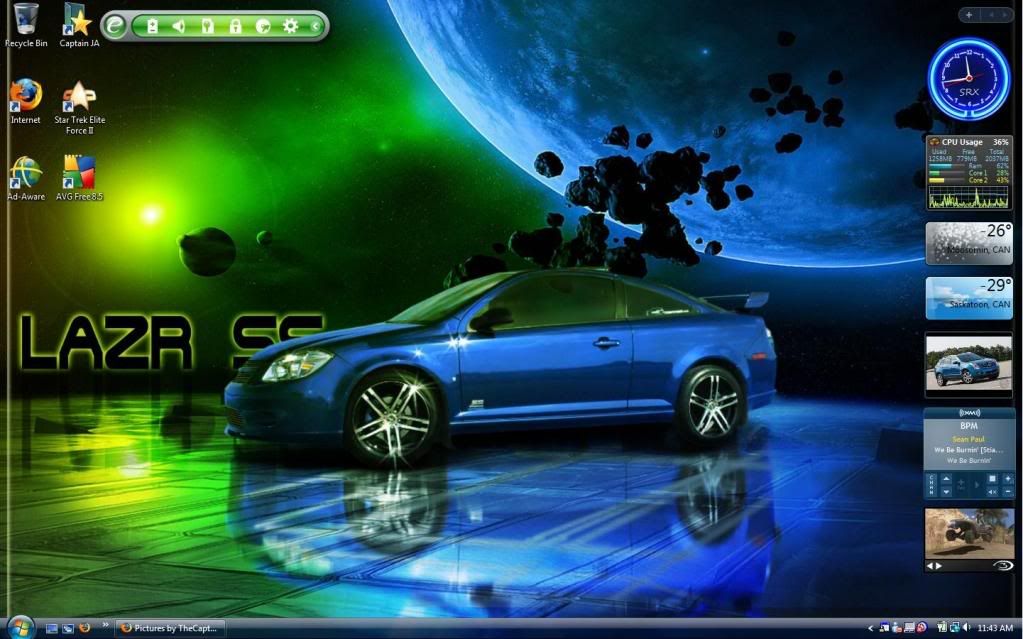
New month, new background... lets show them off!
How-To Post your Desktop
1) Minimize everything so you can see your desktop
2.) Press the Print Screen (Prt Scr) button on your keyboard
3.) Open up paint, photoshop, image editor.
4.) Press Ctrl + V to paste your Print Screen
5.) Resize to 800 wide (please)
6.) Save Image
7.) Host on imgtree, photobucket, imageshack, etc.
8.) Post the [IMG][/IMG] code in the thread :-)


How-To Post your Desktop
1) Minimize everything so you can see your desktop
2.) Press the Print Screen (Prt Scr) button on your keyboard
3.) Open up paint, photoshop, image editor.
4.) Press Ctrl + V to paste your Print Screen
5.) Resize to 800 wide (please)
6.) Save Image
7.) Host on imgtree, photobucket, imageshack, etc.
8.) Post the [IMG][/IMG] code in the thread :-)
Last edited by REIGN SS; Jan 7, 2009 at 10:49 PM.










You guys running XP could use TweakUI to remove the shortcut arrows on your icons...
http://www.microsoft.com/windowsxp/d...powertoys.mspx
http://www.microsoft.com/windowsxp/d...powertoys.mspx


Senior Member
Joined: 03-07-06
Posts: 539
Likes: 0
From: Texas


Senior Member
Joined: 03-07-06
Posts: 539
Likes: 0
From: Texas


Senior Member
Joined: 05-14-07
Posts: 30,259
Likes: 0
From: NYC

Yeah, I posted on the Dec. Desktop thread, but it didn't come out nice & evenly like everyone else's. I snapped a pic. from my cell camera, sent it to my email, uploaded it in Photobucket & clicked the image link on CSS.net.
Last edited by HIValicious; Jan 1, 2009 at 02:24 PM. Reason: Automerged Doublepost


Senior Member
Joined: 12-12-05
Posts: 5,456
Likes: 0
From: Moosomin, Saskatchewan
Paste and save in paint, host up to photobucket and link to CSS.net.


Why not just email it from our phone directly to photobucket, thats what I do, I love it, its cake.


 even thou its missing a headlight lol